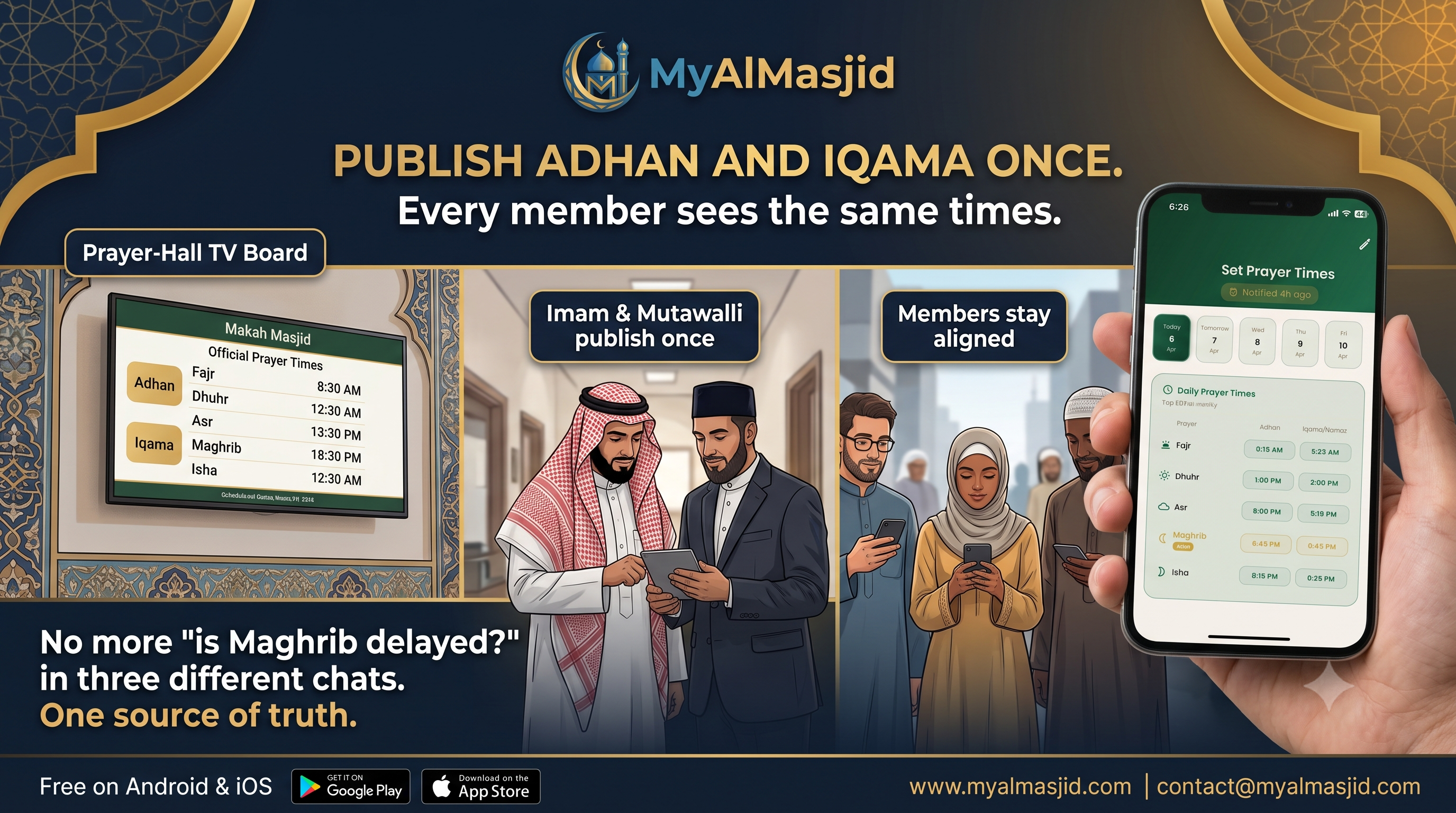
Walk into most prayer halls and you’ll see the same problem.
Adhan and Iqama are written on a whiteboard. Or printed last week. Or shared in a WhatsApp group that half the community never opens.
When Maghrib changes by ten minutes, the hall still shows yesterday’s truth. Your phone app can be accurate — and your hall still confuse people.
That’s why we built MyAlMasjid TV Display.
Note: Hall TV Display is a Premium Plan (paid) feature for masjids on MyAlMasjid.
What it is
A Premium Plan prayer board for the masjid hall, running on Android TV or Fire Stick. It shows today’s Adhan and Iqama clearly — big enough to read from across the carpet — in a calm, focused layout.
It is not a phone port. It is built for a screen people look at while waiting for Jama’ah.
How it works (for committees)
- Install the MyAlMasjid TV app on the hall device.
- Open Admin → TV Display in the phone app.
- Pair with a short code.
- When the Imam or Mutawalli updates times on the phone, the board refreshes.
One publish. Phone community and hall screen stay aligned.
Why halls need this
- Visitors don’t hunt for the right WhatsApp message
- Members see the same Iqama as the people beside them
- Committees stop rewriting the board every season
- Multi-language UI helps mixed congregations
Printable steps: TV install checklist.
How masjids get onto MyAlMasjid
Committees do not self-create a masjid listing and hope for the best. MyAlMasjid Super Admin onboards your masjid after a short setup conversation. Then your Mutawalli or Admin downloads the app, receives access, publishes times, and invites Imam and Muezzin roles.
← All blog articles · Thursday Checklist: How Committees Can Make Jummah Calmer · Ask the Imam Without the Group-Chat Spotlight