Jummah is the busiest hour of the week for many masjids — and the most forgiving of nothing.
Members arrive from work. Families coordinate. The Imam prepares the Khutbah. The Muezzin watches the clock. Meanwhile the committee is still answering the same question in three different chats: What time is Jummah today?
That noise is rarely a Friday problem. It is a Thursday process problem.
Here is a practical checklist for Mutawallis and committees who want a calmer Jummah without adding another layer of chaos.
1. Publish the real times — once
Adhan and Iqama for Jummah should come from your masjid’s schedule, not from memory or a forwarded screenshot.
In MyAlMasjid, the Mutawalli or Admin publishes the times members will actually follow. Everyone who joined your masjid sees the same numbers. That alone removes half the “what time?” traffic.
If Iqama moved this week, publish the change on Thursday — not ten minutes before people leave home.
2. One announcement beats five forwards
Parking notes. Gate opening. Women’s section. A short reminder about phones during Khutbah. Whatever your community needs — say it once, in a place built for announcements.
Scattered WhatsApp forwards feel busy. They do not feel organised. A single clear notice is kinder to elders and newcomers alike.
3. Reminders help the people who care enough to come
Many late arrivals are not careless — they are commuting. Prayer reminders before Jama’ah give members a quiet nudge without another group ping from the committee.
Members who enable reminders in the app reduce the load on Mutawallis who otherwise become human alarm clocks.
4. Align roles before the crowd arrives
Friday runs smoother when roles are obvious:
- Mutawalli / Admin — times and announcements published
- Imam — Khutbah and guidance
- Muezzin — Live Azan if you use it; Adhan timing clear
- Members — same schedule, same notices
MyAlMasjid mirrors those five roles (Member, Muezzin, Imam, Mutawalli, Admin) so Friday is not improvised at the door.
Optional: Live Azan or Khutbah for members who cannot attend keeps people connected to your masjid. Use it when it helps.
What not to do on Thursday night
- Do not post three conflicting times “just in case.”
- Do not wait until Friday morning to settle Iqama.
- Do not assume every member saw the chat pinned message.
- Do not ask the Imam to manage logistics that belong to Admin.
A 15-minute Thursday routine
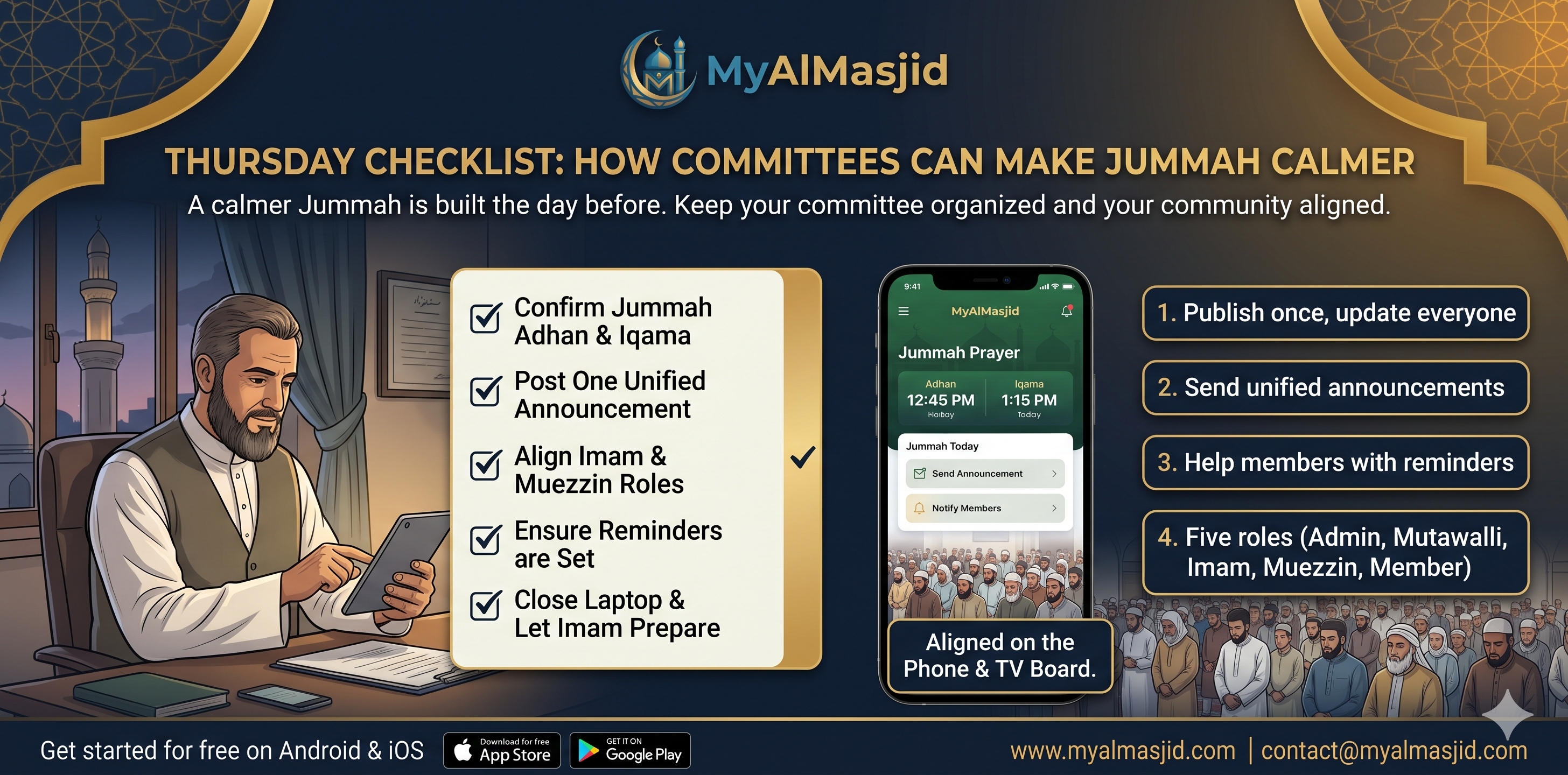
- Confirm Jummah Adhan / Iqama in the app.
- Post one announcement for tomorrow.
- Confirm Imam and Muezzin know their roles.
- Ask members (once) to enable reminders if they have not.
- Close the laptop. Protect the Imam’s preparation time.
Calm Fridays are built the day before.
How masjids get onto MyAlMasjid
Committees do not self-create a masjid listing and hope for the best. MyAlMasjid Super Admin onboards your masjid after a short setup conversation. Then your Mutawalli or Admin downloads the app, receives access, publishes times, and invites Imam and Muezzin roles.
← All blog articles · Ask the Imam Without the Group-Chat Spotlight · "Our Elders Won't Use an App" — What Committees Can Do Instead