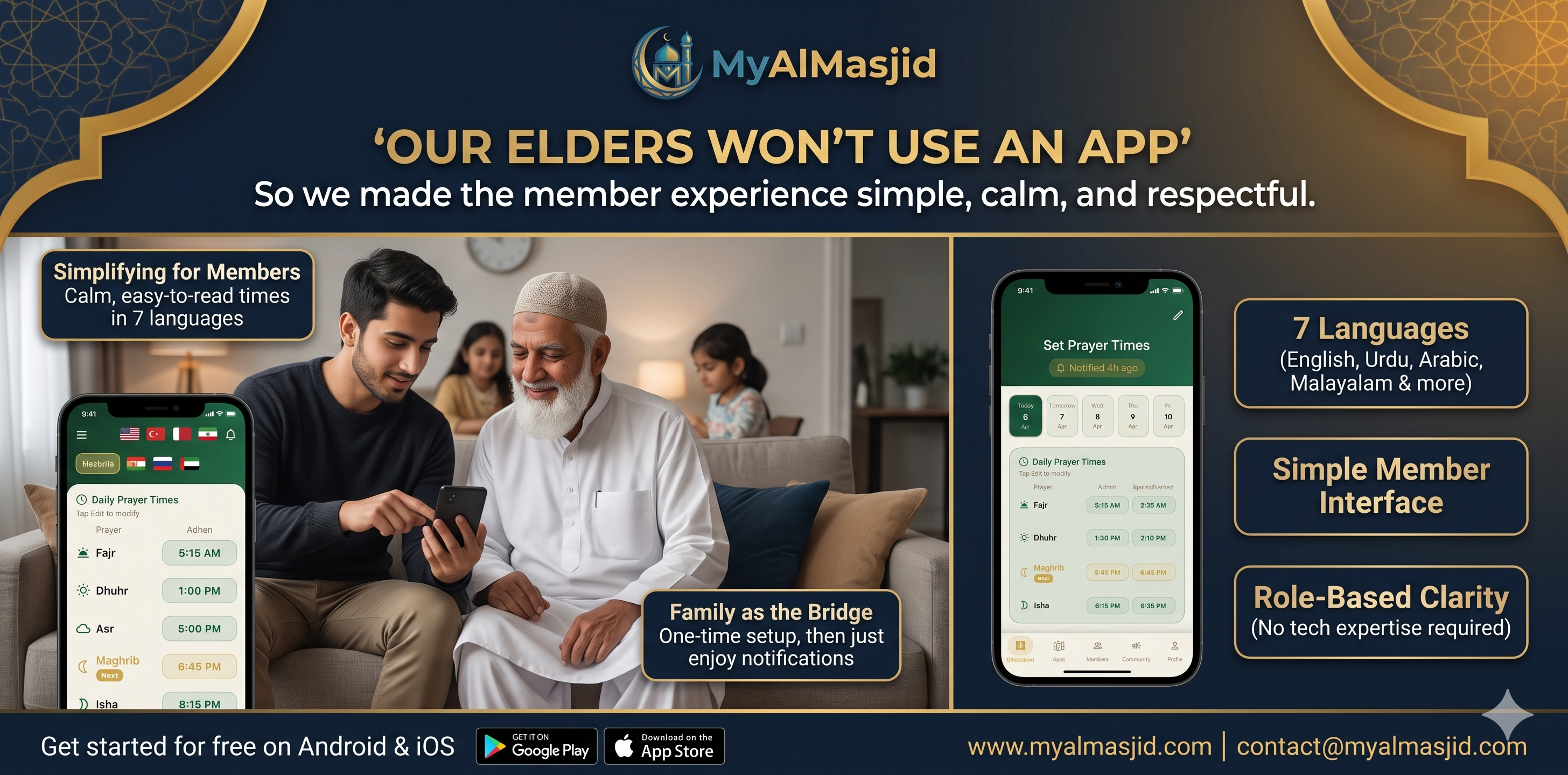
If you sit with Mutawallis and trustees, the same sentence returns again and again: “Our elders won’t use an app.”
It is said with care. Nobody wants technology that embarrasses parents or grandparents, or that splits the community into “digital” and “everyone else.” That concern deserves respect.
What it should not become is a permanent veto on clearer prayer times, safer Live Azan listening, and less chaos in WhatsApp groups.
What people usually mean
When someone says elders will not use an app, they often mean:
- The interface feels crowded or English-only.
- They fear making a mistake.
- They already know Jama’ah by habit.
- The committee is unsure who will teach and update schedules.
Those are design and onboarding problems — not reasons to keep running the masjid on scattered messages.
Elders do not need every role
MyAlMasjid is built around Member, Muezzin, Imam, Mutawalli, and Admin.
Most elders only need the Member experience — local Adhan and Iqama, reminders, announcements that do not vanish in a chat scroll, and optional listen-only Live Azan. They do not need to publish schedules, pair a TV, or manage roles.
Three ways to include elders
1. Publish once; keep the phone simple. When the committee updates Adhan and Iqama in one place, every member sees the same times. Families stop arguing about “what time is Maghrib tonight?”
2. Put the truth on the wall. A hall screen (Android TV or Fire Stick) helps everyone — including people who never install anything. Checklist: TV install checklist.
3. Let family be the bridge. One calm install session — language preference, masjid selection, notifications — is enough for most Members. Seven languages reduce the “this is not for me” feeling.
What not to do
- Do not pressure: “Everyone must download by Friday.”
- Do not ask elders to become Mutawallis online.
- Do not treat WhatsApp as the only elder-friendly channel forever — it is familiar, noisy, and easy to miss when Iqama changes.
A practical 30-day approach
- Week 1: Mutawalli/Admin set roles and publish the real schedule.
- Week 2: Install hall display if you have a spare Fire Stick or Android TV.
- Week 3: Invite youth and committee families first; ask them to help two elders each.
- Week 4: Use announcements for Jummah and Iqama changes — measure fewer “what time?” replies.
Success is not “100% of elders tap every feature.” Success is fewer confused arrivals and a hall that shows what the Imam actually set.
How masjids get onto MyAlMasjid
Committees do not self-create a masjid listing and hope for the best. MyAlMasjid Super Admin onboards your masjid after a short setup conversation. Then your Mutawalli or Admin downloads the app, receives access, publishes times, and invites Imam and Muezzin roles.
← All blog articles · Thursday Checklist: How Committees Can Make Jummah Calmer · Ask the Imam Without the Group-Chat Spotlight