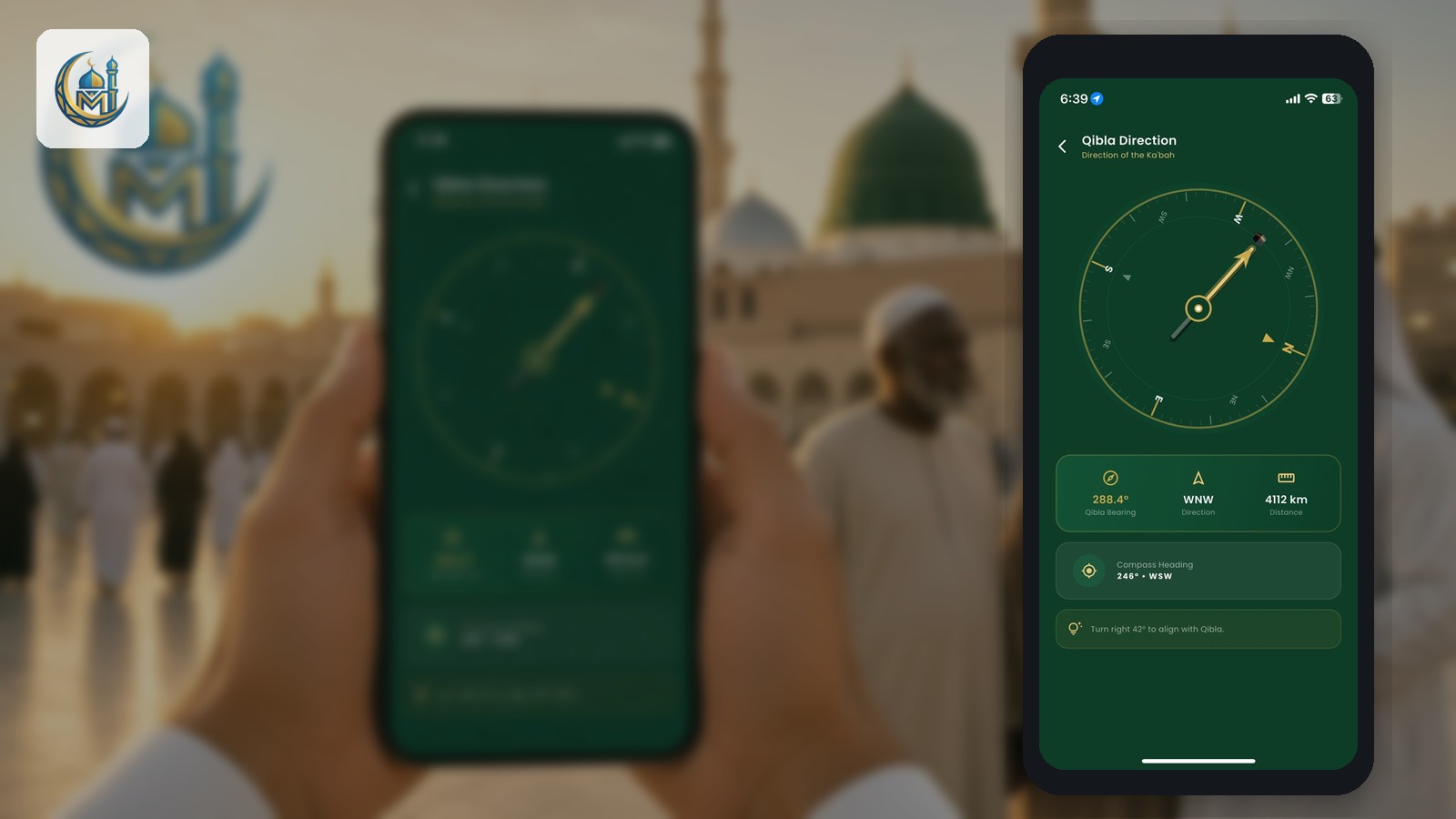
Travel, a new workplace, a rented flat, a relative's home — Muslims keep asking the same practical question: which way is the Kaaba from here?
MyAlMasjid answers that with a Qibla compass built for members who already live with their local masjid in the same app. The job is simple: help you face Makkah clearly. The design choice that matters is quieter: the calculation stays on your phone.
What the Qibla screen does
Open Qibla, allow location when the phone asks, hold the device level, and follow the compass toward the Kaaba. You see bearing, cardinal direction, distance context, and a tip when you are aligned — or how far to turn.
It is a member tool, not a committee workflow. Mutawallis do not publish Qibla. Imams do not moderate it. Like Digital Tasbih, it sits beside community life without turning worship into a feed.
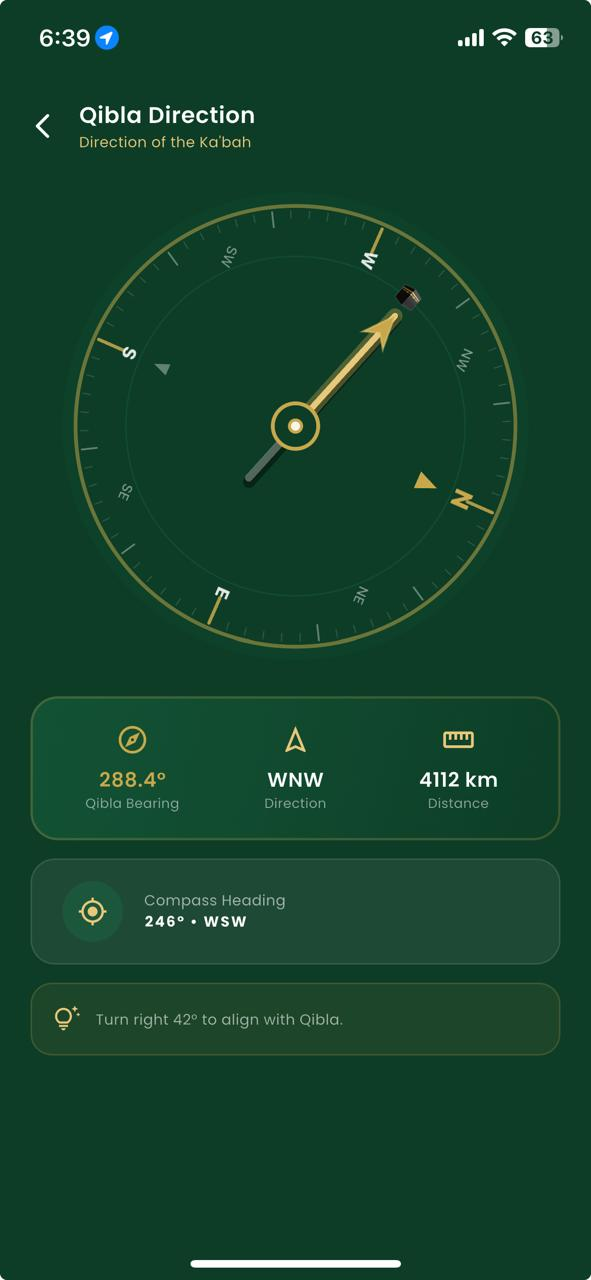
On-device by design
Qibla needs a location fix and the phone's compass sensors so the bearing to Makkah can be calculated where you stand. That permission is for direction — not so the masjid can watch a map of members.
We treat Qibla as on-device guidance. Your phone uses location locally to point you. That is different from features that must talk to the masjid (published times, announcements, Live Azan). Committees who care about trust can say honestly: facing the Kaaba does not require uploading a travel diary.
Why keep Qibla inside the masjid app?
Most people already have a compass somewhere. The value is not novelty — it is continuity.
Members open MyAlMasjid for Imam-set Adhan and Iqama, reminders, Reach, Facilities, and community tools. When they need direction for Salah away from the hall, they should not bounce to a third utility that knows nothing about their masjid. One respectful home for the day's prayer life reduces friction.
Qibla also respects device limits. If a phone has no compass sensor, the app says so clearly instead of inventing confidence.
How it fits the rest of MyAlMasjid
- Leadership layer — publish Adhan and Iqama once for everyone
- Role layer — Muezzin, Imam, Mutawalli, Admin tools stay protected
- Member layer — reminders, Reach, Facilities, Tasbih, and Qibla for everyday clarity
Qibla belongs in that third layer: useful, quiet, and honest about privacy. It does not replace the prayer hall. It helps you face the right way when the hall is not under your feet.
A note for committees
You do not onboard a masjid for Qibla alone. You onboard so the community shares one clock, one set of roles, and tools members will actually open. Qibla is part of that promise: when someone downloads the app, they find more than empty folders.
If your committee is ready for published times and member tools together, Super Admin onboarding is the calm start.
MyAlMasjid Super Admin onboards your masjid after a short setup conversation. Then your Mutawalli or Admin publishes times, assigns roles, and invites members.