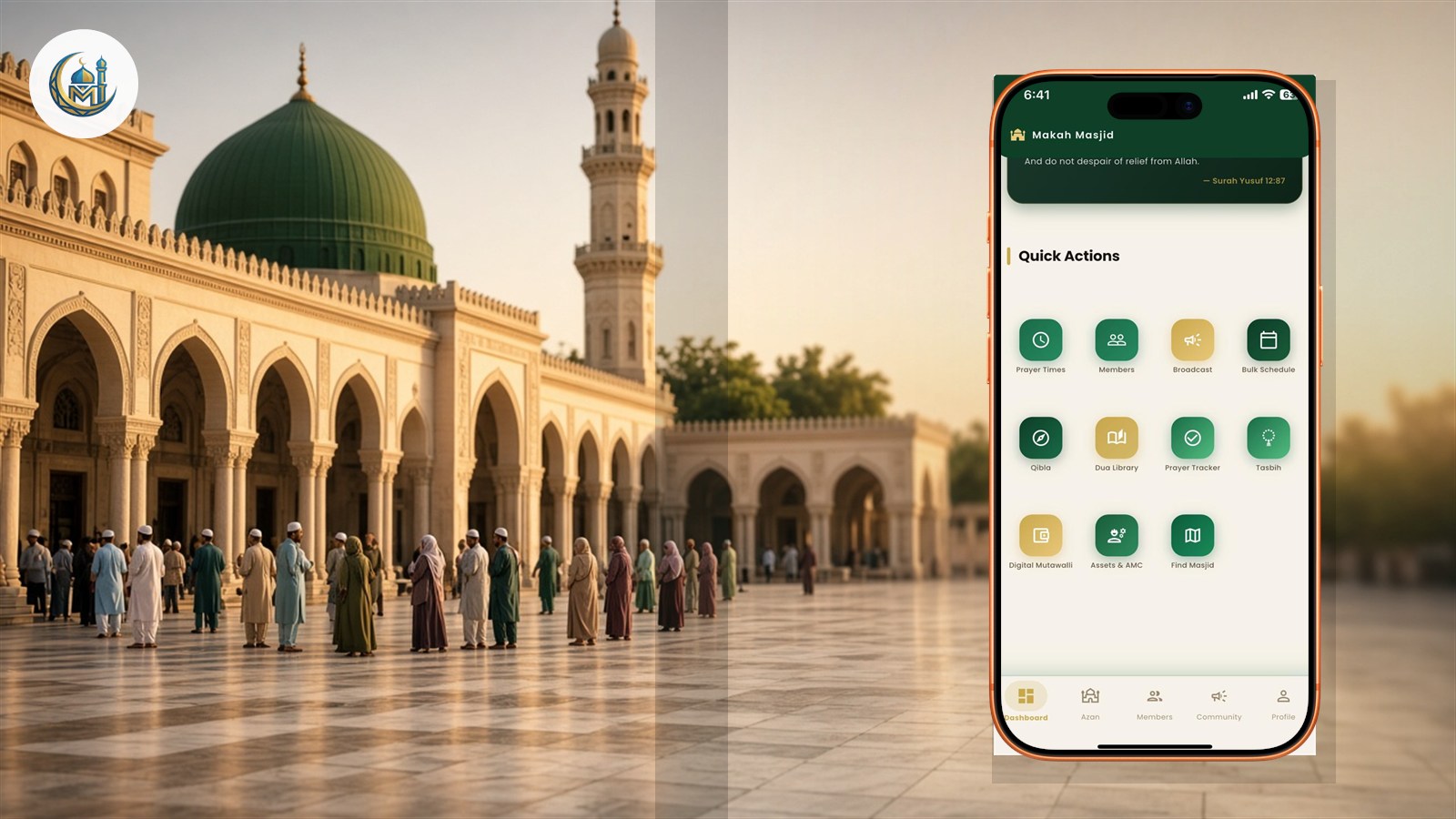
Every healthy masjid has a primary Muezzin people trust. The problem is not his dedication — it is the week he is travelling, sick, or covering another masjid. If Live Azan and broadcast permission live on one phone only, Maghrib becomes a committee emergency.
MyAlMasjid treats Muezzin as a role you can assign, reassign, and back up. The Mutawalli or Admin updates Members. The backup person gets the same tools. Members keep listening to the call that belongs to your masjid — not a scramble of who has the password today.
Why one Muezzin is a single point of failure
WhatsApp groups hide the risk until it bites. Someone posts "brother X will give Azan today" at 5:40. Half the members never see it. The hall TV still shows times. The listen-only Live Azan button stays tied to whoever last held the role. The community hears silence — or worse, a confused broadcast from the wrong device.
Role handover is operational hygiene. It is not distrust of your primary Muezzin. It is respect for the congregation that expects a reliable call.
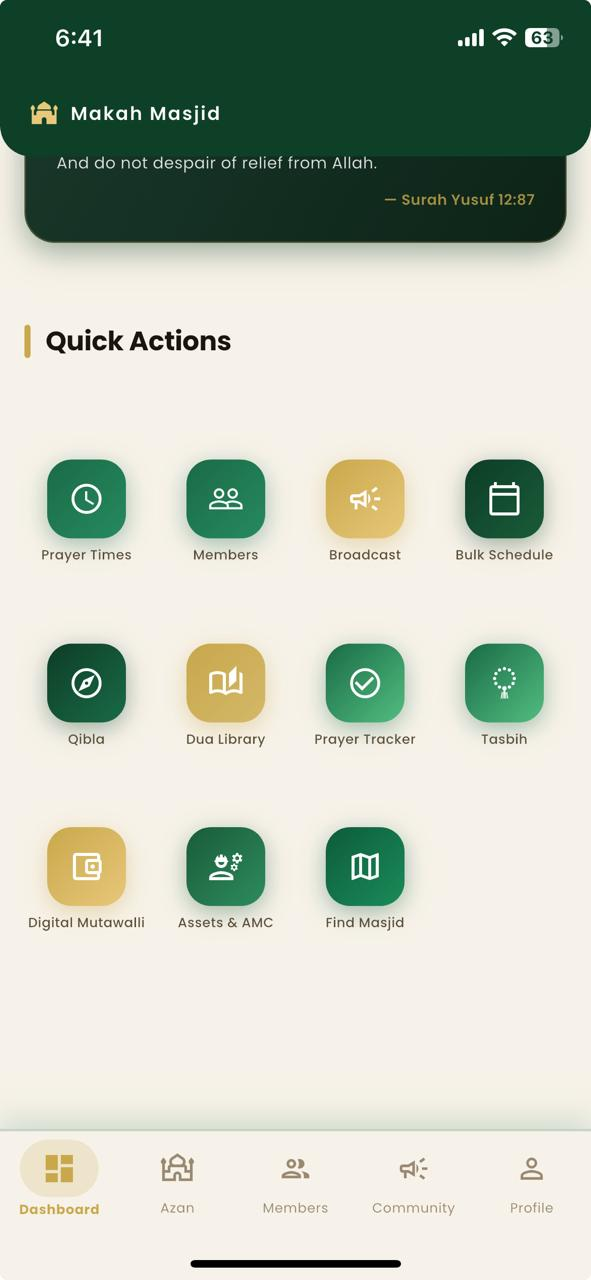
What role handover looks like in practice
- Mutawalli or Admin opens Members
- Assigns the Muezzin role to a trusted backup (or a second Muezzin for rotation)
- Optionally adjusts Admin/Imam coverage the same way if those people are also away
- The new Muezzin uses Start Azan / broadcast tools when it is their turn
- Members receive the same listen-only Live Azan experience from the active Muezzin
You do not recreate the masjid. You do not share personal logins. You change who holds the role — the same way a committee minutes book names who is on duty this week.
Multiple Muezzins without chaos
Some masjids rotate Fajr and Maghrib between two brothers. Others keep a primary and a named deputy. MyAlMasjid supports that ops model: roles are permissions, not personality cults. Clear who is on duty for a given prayer; the app enforces who can start the live call.
That is different from a generic prayer calculator where "everyone can set an alarm." Your local call still comes from a Muezzin role — just not from a single fragile phone.
What stays the same for members
Published Adhan and Iqama still come from the Imam or Mutawalli workflow. Hall TV still shows the shared clock. Ask Imam, announcements, and facilities stay with their owners. Language preferences stay on each member's device. Role handover changes who can broadcast Live Azan — not the whole product map.
Members should feel continuity. Committees should feel control. That is the test of a clean handover.
A simple committee checklist before travel season
- Name a primary and at least one backup Muezzin in Members
- Confirm the backup has installed MyAlMasjid and can open Azan tools before the primary leaves
- Agree which prayers each person covers (or that the backup covers all while the primary is away)
- Tell the congregation once through Announcements — not only in a chat thread
- After the primary returns, reassign roles deliberately instead of leaving overlapping confusion
If your committee is still deciding
Ask one question: if Maghrib starts in twelve minutes and your primary Muezzin's phone is offline, who starts Live Azan — and do they already have the role?
If the answer is "we will figure it out in the group," you already know the gap. MyAlMasjid Super Admin onboards your masjid after a short setup conversation. Then your Mutawalli assigns roles, publishes times, and builds the backup path before the first travel week hits.
MyAlMasjid Super Admin onboards your masjid after a short setup conversation. Then your Mutawalli or Admin publishes times, assigns roles, and invites members.